
NEP Service Operations Center 24/7: +31 35 671 46 55
NEP Service Operations Center 24/7: +31 35 671 46 55
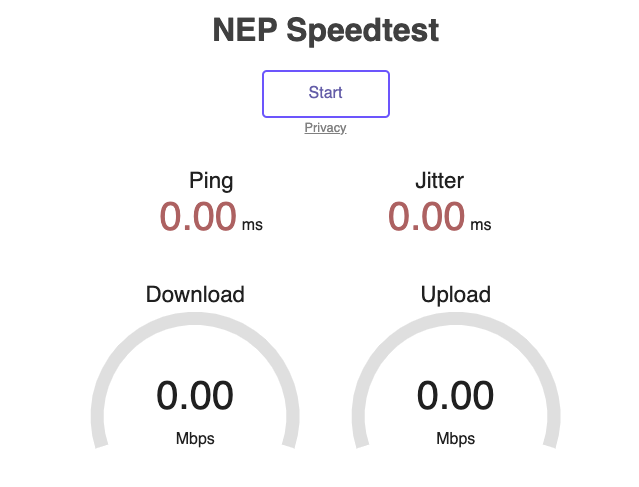
In
order to test your network connection, you need a laptop or PC, connected to
the same ISP hub/switch the flypack
is using.
This
needs to be done every for every single event you’re doing
1. Go to https://speedtest.nepworldwide.nl/
2. Click 'Start', the speedtest will now run.
1/3
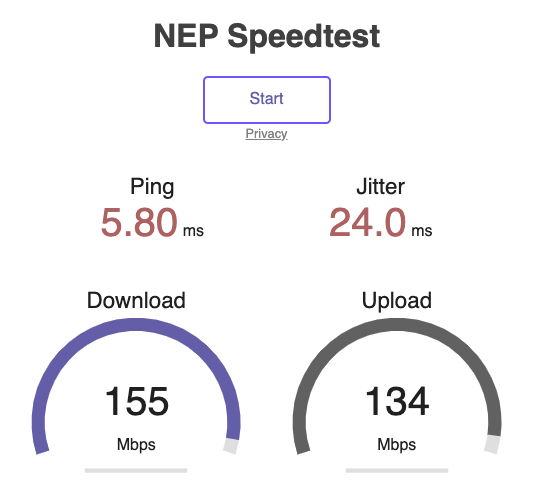
3.
Share the
results/screenshot to CCP by WhatsApp or email.
WhatsApp: +31 6 21 63 53 49 or email: dazn.operators@nepgroup.com
2/3
Optimizing your Operating System
Applications that access the internet and use
bandwidth should be turned off. Every
time these applications or services are running it will impact your experience using NEP’s Commentary Platform. Examples of some of these services are below.
File Sharing services
such as:
Microsoft OneDrive, Google Drive, DropBox, Adobe Creative
Cloud
Music Streaming services such as:
Spotify, Apple Music, Amazon Music
Video
Streaming services such as:
Netflix, Prime Video
Ensure these services are not running whilst using your device to maximize your connection
capability.
Optimizing your own Network
After you have optimized your device to remove/close any unnecessary applications. The next step is to turn your attention to your home network. Bandwidth issues may arise from:
- Family
members or “room-mates” that are streaming
Netflix or other Online
Video and Music Services.
- Someone using your network that could be causing additional
traffic, such as downloading a large game from PlayStation/Xbox or
Movie from iTunes.
- Computers on your network using a backup service
in the cloud
- Major software
updates taking place on computers
on your network
3/3